01 / Train
Find your rhythm.
Set work and rest intervals, follow your heart rate zones, and keep every set in view.
- Custom zones and alerts
- Timers and workout presets
- Saved sessions, charts, and calorie estimates
Connect your Bluetooth heart rate monitor. Put your iPhone where you can see it. Get on with your workout.
Download for iPhoneBluetooth monitor required. Live sharing is free.
Keep it simple, or dig into your training. It’s all there when you need it.
Set work and rest intervals, follow your heart rate zones, and keep every set in view.
Run a two-minute HRV test or track how your heart rate comes down after a hard effort.
Share a temporary code with your coach, trainer, or friend so they can see your heart rate live.
Your workouts, kept together. Save workouts to Apple Health and keep your history synced through iCloud.
Bluetooth Low Energy monitors that use the standard Heart Rate Profile should work. BPM has been tested with Polar H10 and Morpheus straps.
For HRV, your monitor also needs to transmit RR intervals.
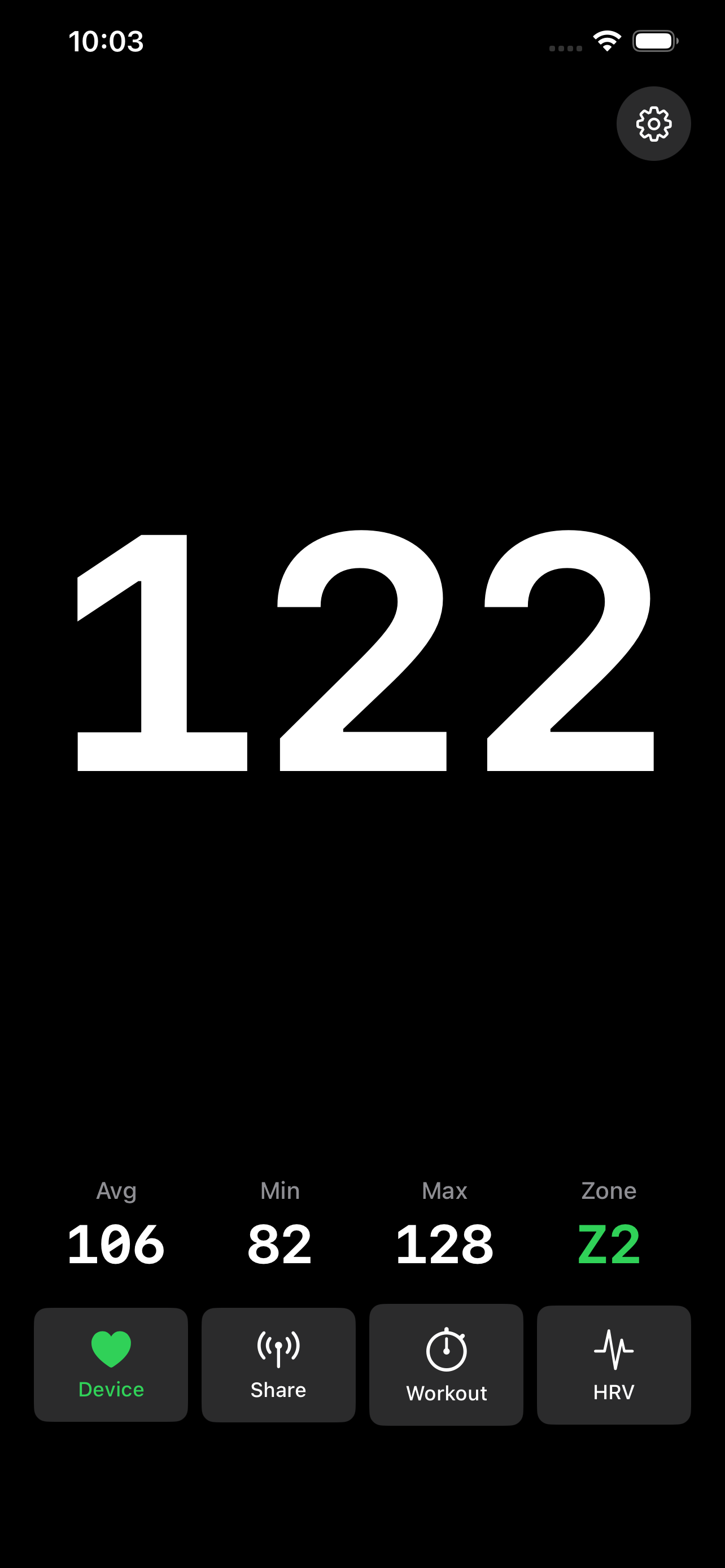
I wanted a chest-strap app that just shows BPM in big numbers. So I made one out of spite and laziness.
Yes. BPM displays data from a compatible Bluetooth monitor, such as a chest strap. Your iPhone doesn’t measure your pulse on its own.
Yes. Share your session code with someone so they can follow your live BPM. Sessions automatically expire after 90 minutes.
BPM calculates RMSSD from the RR intervals sent by a compatible monitor. Keep the app open for the full two-minute test. Results are calculated on your device and saved so you can follow your trends.
BPM estimates calories from your heart rate and profile, using resting heart rate and VO₂ max when available. Total calories include resting energy use; active calories subtract that baseline. Treat these as estimates for tracking trends.
Your heart rate data stays on your device unless you choose to share it. You can also save workouts to Apple Health and sync history through iCloud. BPM uses limited, non-personal usage analytics to improve the app.
Read the privacy policy for the details.
Less squinting. More training.
Bring your chest strap. We’ll bring the big numbers.